From manual to automatic, we're living in a time where creating an app is as easy as describing it in plain English. Dyad and Lovable bring different approaches to the table in terms of their architecture, AI model choice, backend flexibility, and cost.
What Each Tool Actually Is
Launched in 2025, Dyad is an open-source AI app builder tool that lives on your own Windows, Mac, or Linux machine. Simply download it for free, connect your AI model provider (or run a model locally through Ollama), type in your prompt, and voila! A full-stack React app you can preview, edit, and export is on your hands. No account creation, vendor lock-ins, or cloud dependencies.
Having launched a year prior, Lovable on the other hand builds web apps on its own Lovable Cloud platform. Once you enter your prompt inside the browser or its desktop client, Lovable single-handedly manages the backend infrastructure, hosting, and deployment of your app.
Both of these tools bring you from a simple English prompt to a working, deployable app. So, what's the catch? The difference comes down to how you'd want your app to be built, and who controls the pieces underneath it.
Local-first vs Cloud-based
The main difference between Dyad and Lovable is their architecture: local-first vs cloud-first.
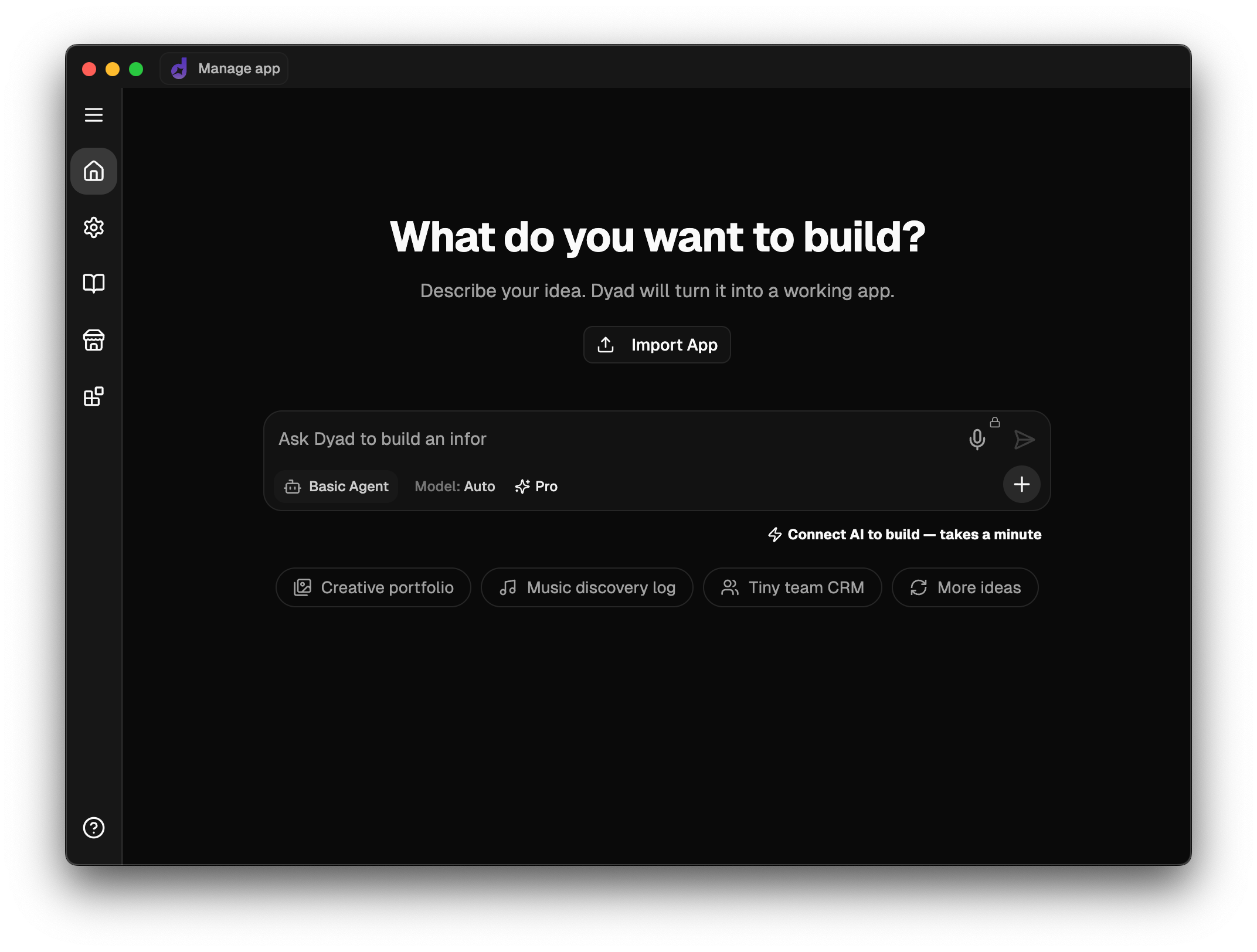
Your Dyad projects are created in folders on your own computer, which you can open in VS Code or any other IDE of your preference. It's not locked behind a proprietary interface, and unlike Lovable, there are no free-tier watermarks or credit caps to work around. With no limit to the number of projects you can create, feel free to create as many as your heart desires and brain allows!
On the other hand, Lovable keeps your project and app on their servers, tied to your account. The newly introduced Lovable desktop app brings useful capabilities the browser version couldn't offer, like local MCP server support for tools like Figma, letting Lovable read your Figma design files directly, instead of you describing them or uploading screenshots. But keep in mind the app's essentially a native client that connects to Lovable's cloud to build and run your project, in contrast with running the process on your machine.
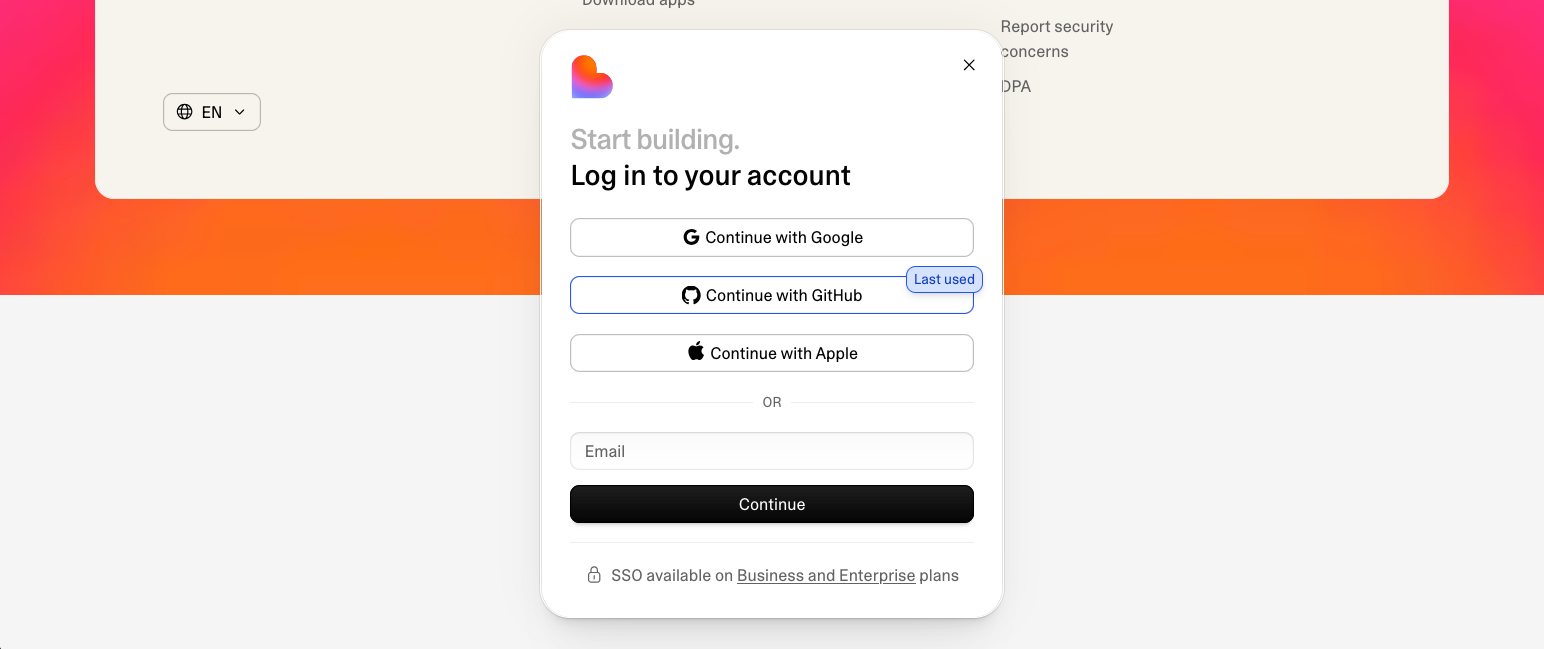
Backend Flexibility and Vendor Lock-in
When your app needs a database, Dyad connects you directly to your own Supabase or Neon account, which for instance includes features like Neon's git-style database branching to create isolated databases to merge back to production later. Plus, since it's your personal Supabase or Neon account from day one, there's no pending migration step, you already own the backend.
Lovable ships with Lovable Cloud turned on by default. It's a Lovable-managed Supabase backend that automatically handles your app's database, auth, and storage, bundled into the same credit pool as your build usage. Lovable does let you connect your own Supabase project instead, which gives you more control, but it's in exchange for some features like in-editor backend views, built-in Stripe or Paddle payments, and custom emails that are exclusive to the built-in backend, aka the Lovable Cloud.
AI Model Choice, Cheap vs Out of Your League
Dyad leaves the choice of AI model in your hands. You can connect your own API keys for AI providers such as Gemini, OpenAI, Anthropic, or run the models locally through Ollama at no cost.
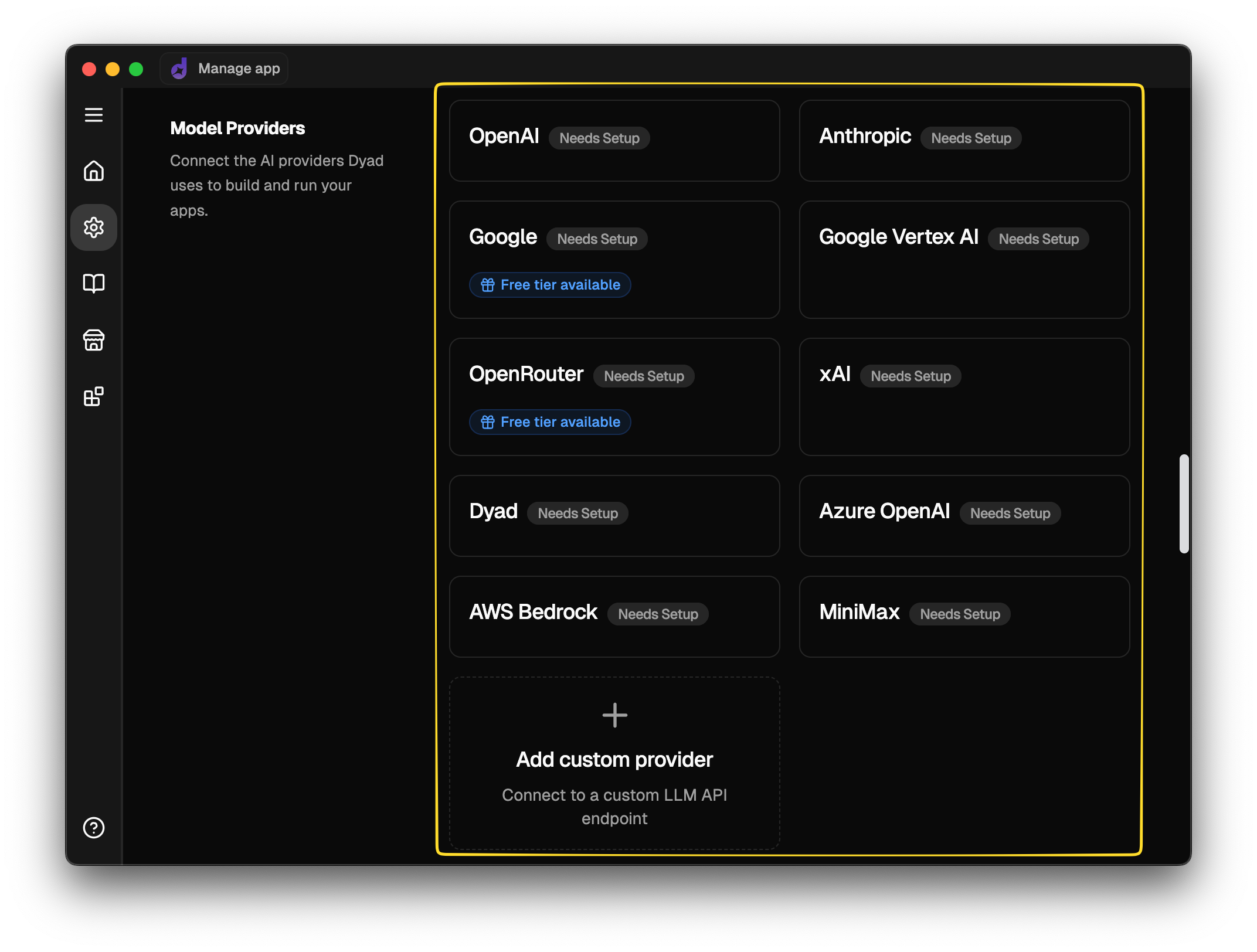
As a best practice, you could run simple prompts like your app's UI tweaks or typo corrections through a cheap & fast model like GPT-5.6 Luna, everyday feature work using mid-tier models like Sonnet-class or GPT-5.6 Terra, and save hard, extensive work, such as fixing gnarly bugs and complex feature work for frontier models, e.g., Claude Opus 5, Claude Fable 5, GPT-5.6 Sol. If managing API keys between all these models seems like too much of a hassle, at $20 a month, Dyad Pro takes that work off your hands by bundling monthly AI credits usable through all the leading AI models.
Lovable takes a different approach. You don't get to choose the underlying model directly, instead Lovable handles the model selection on its own behind a unified credit system. AI models Lovable uses stay hidden, and their pricing is expressed in Lovable's own credits rather than using token costs. This ties your build costs to Lovable's credit pricing rather than the providers' actual API rates.
What Does Building an App Look Like?
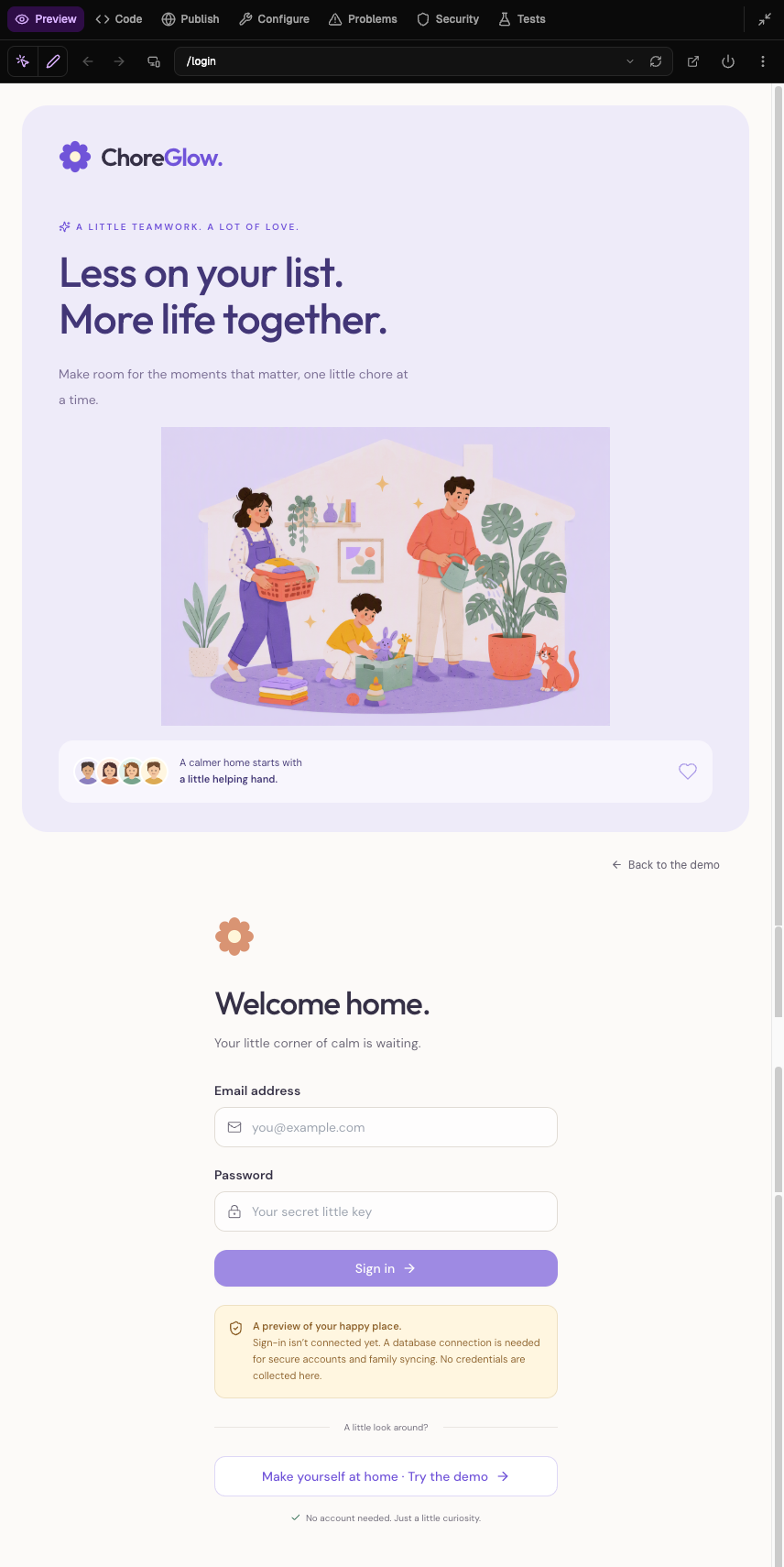
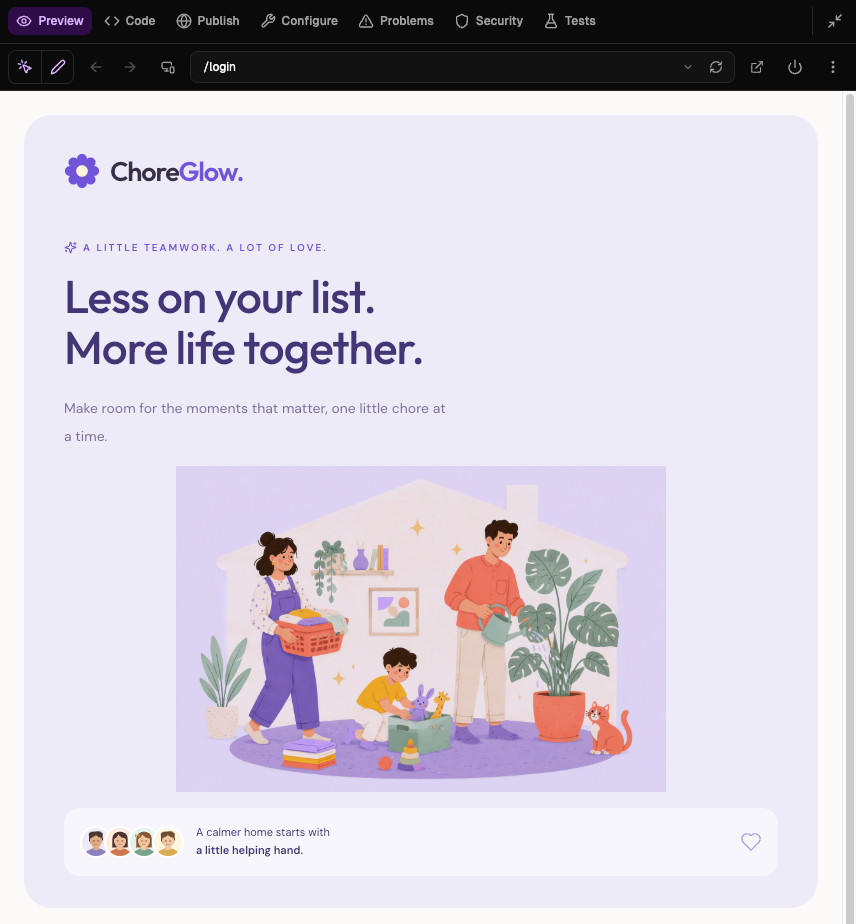
For Dyad, the basic creation workflow would be: start the Dyad app, enter your initial prompt for your app idea, follow up with any changes or preferences typed or selected midway, and watch the live preview on the right side update as code streams in. Instead of manually debugging, Dyad Agent Mode reads its own logs and debugs them without having you copy-paste stack traces into the Dyad chat. Here is the finished app preview, including its login screen:
Once you're satisfied with the app Dyad created for you, it's hosting time! Dyad doesn't host your app itself, but it guides you on how to deploy your app utilizing Dyad's GitHub integration and Vercel.
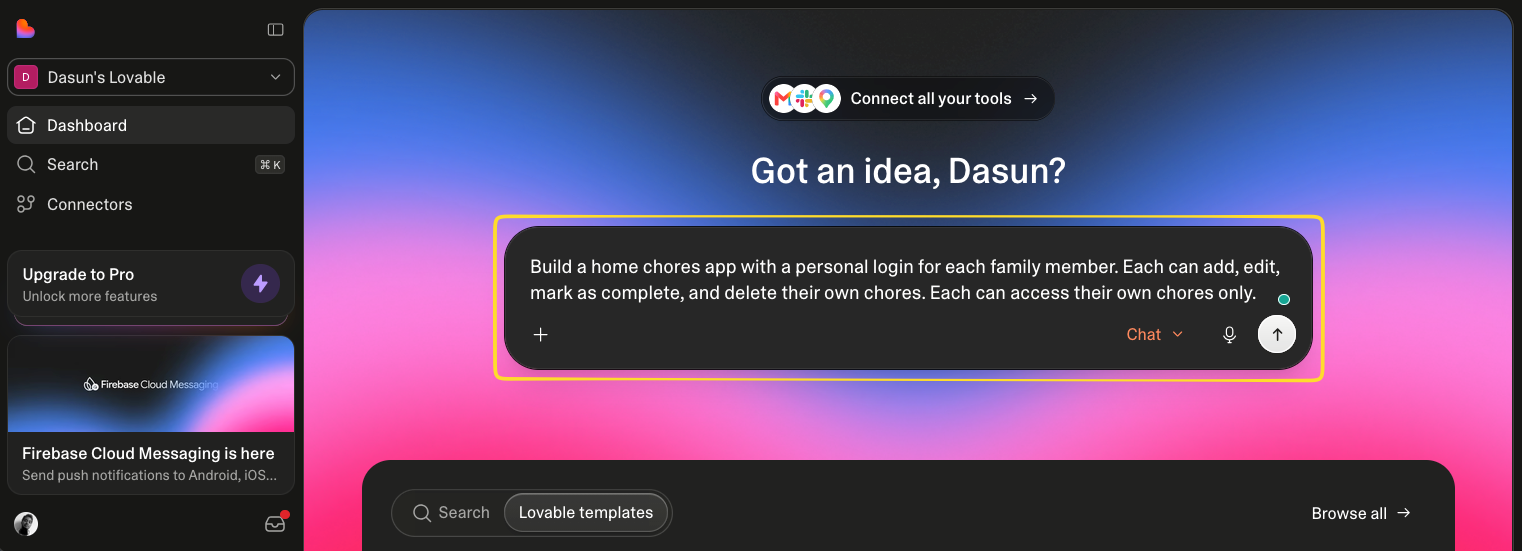
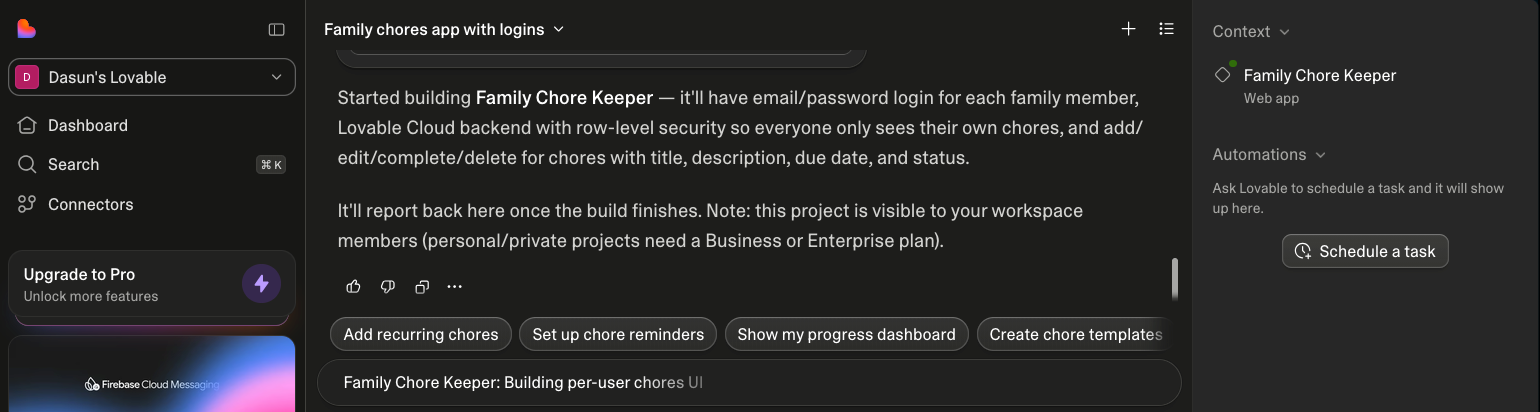
Unlike Dyad, in Lovable, your prompt-to-app journey starts from the Lovable dashboard in your browser. You describe the app you want in your prompt, then watch Lovable build it in the live preview next to the chat. Lovable Cloud automatically sets up the backend when you ask for auth, a database, or file storage. With just one click, your app gets published on a lovable.app subdomain, with custom domains available on paid plans. This leaves no separate hosting decision to make.
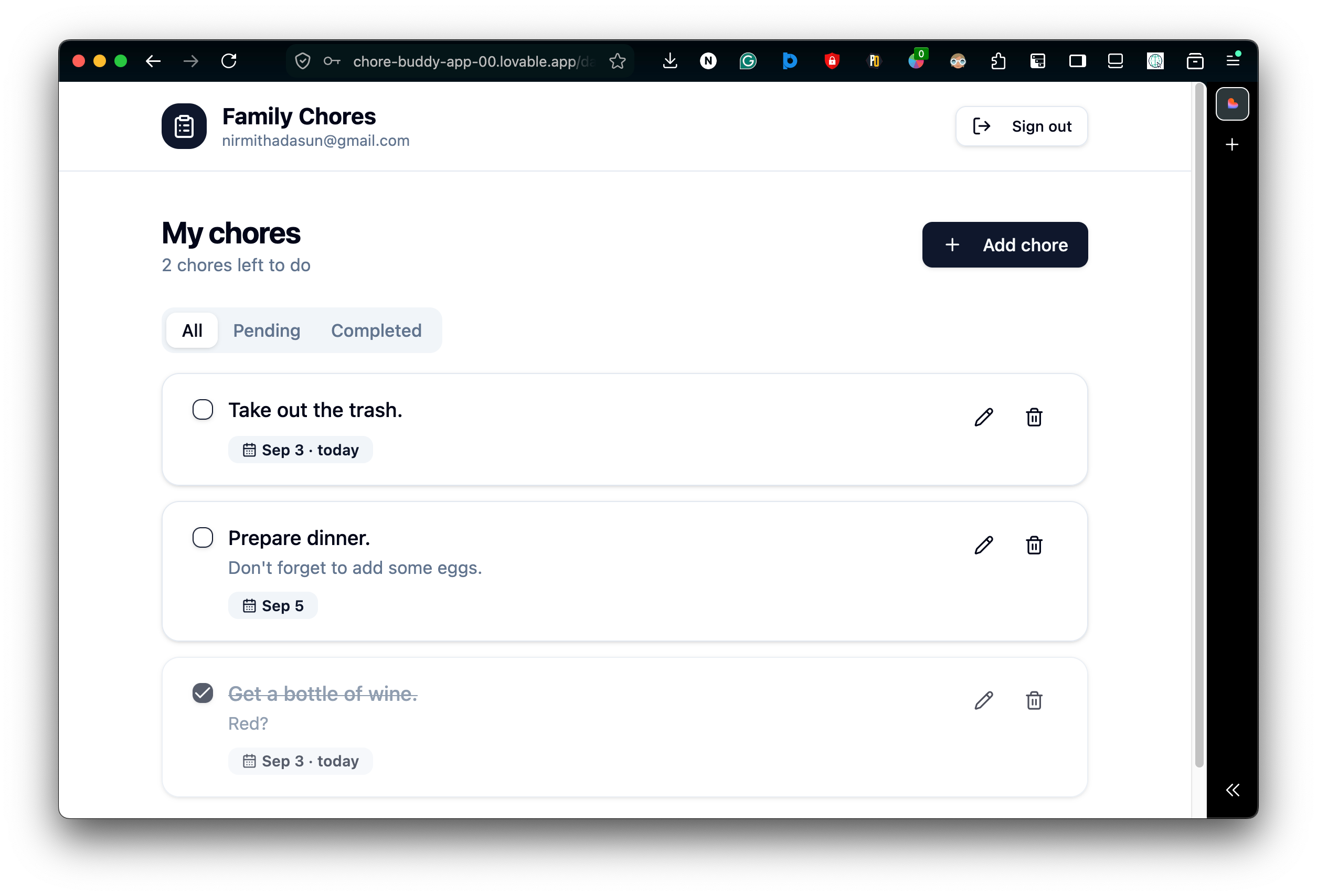
Comparing the two, Dyad asks a bit more of you up front, like choosing a host and a backend, in exchange for control and ownership of every piece of your app at no cost. Contrastingly, Lovable trims that setup to almost nothing, at the cost of more of your project living inside their own platform.
Pricing Side by Side
| Dyad | Lovable | |
|---|---|---|
| Free tier | Yes, full app builder, bring your own API key or run local models. | Yes, 5 daily build credits (capped around 30 per month), public projects only. |
| Paid tier | Dyad Pro: $20 a month, 200 AI credits across leading models, Agent mode. | Pro: $25 a month, 100 monthly credits. Business: $50 a month, all Pro features, plus SSO and team controls. |
| Ongoing costs | What you spend with your chosen AI provider, plus a small per-token processing fee. | Credits also cover Lovable Cloud hosting and any AI features your deployed app uses. |
Naturally, the pricing changes often on both sides. So, treat this table as a snapshot from September 2026, and use it only to get a rough idea of how the free & paid tiers compare. Always check the current pricing page of Dyad and Lovable before making a decision.
Which Should You Choose?
Dyad is a strong fit if:
- You prefer your code and data to live locally, with no account required.
- You want to avoid vendor lock-in on your backend.
- You want to choose which AI model works on each request.
- You're comfortable with a bit more hands-on setup, in exchange for full ownership and control.
Lovable is a strong fit if:
- You want to avoid having to deal with local setup, hosting, or backend choices.
- You want everything from the app's build to its backend and deployment managed in one place.
- You're building with a team and want built-in collaboration and role features.
Dyad vs Lovable isn't an apples vs oranges comparison, but rather a red apples vs green apples situation, where the right choice depends entirely on you and your team's specific needs and preferences around building and maintaining your app. If you're still on the fence about it, why not give both a try? Dyad is free to download, and Lovable has a free tier too, build a small prototype in each and see what actually fits how you work.
FAQ
Is Dyad really free? Yes. Dyad AI app builder is completely free and open source. You can bring your own API key (which many providers, like Google Gemini, offer a free tier of) or run models locally with Ollama at no cost.
Can I use Lovable without Lovable Cloud? Yes. You can connect your own Supabase project to your Lovable app instead of the built-in Lovable Cloud backend. However, some features like authentication emails from your own domain require Lovable Cloud to function.
Type and go, or set up first? Lovable's browser-based, lets you start building right away, no installation needed. Dyad asks for a short local setup process first, installing the app and connecting an API key, in exchange for everything running locally afterward.
Does Dyad support the same AI models as Lovable? From Google, OpenAI, Anthropic, OpenRouter, and locally run models, Dyad gives you direct control over which AI model handles your request. Lovable handles model selection for you, and bills through its own credit system rather than asking you to choose per request.